Your .env File Is Not a Secret Store
21 Apr 2026Most teams make one of two mistakes with secrets.
The first is obvious.
The second is more common in teams that have already fixed the first one.
Both come from the same misunderstanding about what a .env file is supposed to do.
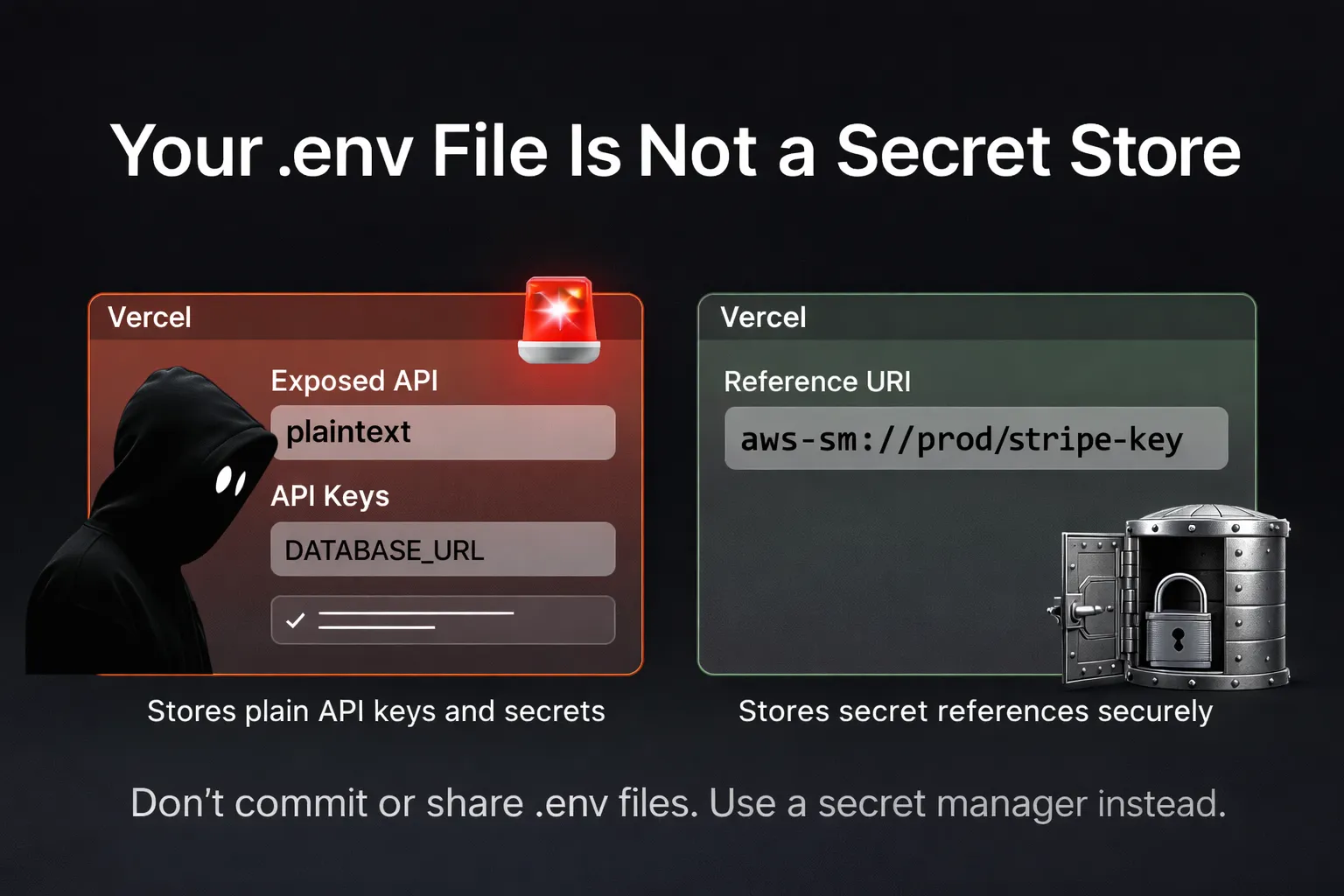
tl;dr: Don’t use committed or shared .env files as a secret store. Load secrets from a dedicated manager at startup. Merge multiple config sources in a single pass.
Everything can look right on the surface. Let’s take a team that has AWS Secrets Manager set up, credentials rotated on a schedule, production access locked down.
Application code fetched secrets from the manager at startup. They’d taken the security seriously.
Then I looked at their .env:
DATABASE_URL=postgres://user:pass@prod-db.internal/appThe application code fetched from AWS, but the .env held a copy of the same credential: the value someone had pasted in months ago. The secret had rotated twice since. The .env hadn’t.
Two sources of truth. No connection between them.
The two mistakes
Mistake one is obvious: putting plaintext credentials directly into .env files. Now everyone on the team effectively has the prod password. It appears in git blame. It gets pasted into Slack when someone shares their config for debugging. This mistake is well understood, and many teams have moved past it.
Mistake two is less obvious. Teams set up a secret manager (AWS Secrets Manager, Vault, Doppler, 1Password Secrets) and write code to fetch secrets at startup. But nothing links the config system to the secret manager. Someone rotates a secret; the application still reads the old value. The rotation happened; the propagation didn’t.
Both mistakes come from the same root cause: treating .env as a configuration database instead of a local convenience.
.env is not the environment
12-factor says config should come from environment variables injected at runtime. A .env file is just a development convenience for populating those variables locally.
It is not the environment itself. The execution environment (a container orchestrator, a cloud platform, a CI runner) can inject values from any number of backing stores.
The natural extension: secrets should come from secret managers, not from .env files. Non-secret config can come from .env, process environment, CLI arguments, or anywhere else.
Your application should know how to pull from multiple sources and merge them into a single, validated config object.
This is what it looks like with a resolver-based approach. The pattern is implementable with any config system. The resolver approach shown here is one example:
import { resolveAsync, processEnv } from 'node-env-resolver';
import { dotenv } from 'node-env-resolver/resolvers';
import { awsSecrets } from 'node-env-resolver-aws';
import { postgres, string } from 'node-env-resolver/validators';

const config = await resolveAsync(
  // Non-secret config from .env
  [dotenv({ path: '.env' }), {
    NODE_ENV: ['development', 'production'] as const,
    LOG_LEVEL: 'info',
    PORT: 3000,
  }],
  // Secrets from AWS, never touch .env
  [awsSecrets({ secretId: 'prod/app' }), {
    DATABASE_URL: postgres(),
    STRIPE_SECRET_KEY: string(),
  }],
);
Each resolver is a named source. Later resolvers override earlier ones by default. Validators run on the merged result. Your application gets one typed config object and never needs to know where each value came from.
flowchart LR
    A[".env"]:::config --> D["merge + validate"]:::decision
    B["process.env"]:::config --> D
    C["secrets manager"]:::config --> D
    D --> E["config object"]:::config

    classDef config fill:#e1f5ff
    classDef decision fill:#fff4e1
The diagram shows three common sources, but any number can participate: SSM Parameter Store, Docker secrets, CLI arguments, custom databases. Each plugs into the same pipeline.
Local development
Running locally without access to a secret manager is the most common objection. The resolver model handles it naturally: swap the source, keep the schema.
// Development: secrets from a gitignored .env.secrets
// Production: secrets from AWS
const isProd = process.env.NODE_ENV === 'production';

const config = await resolveAsync(
  [dotenv({ path: '.env' }), { NODE_ENV: ['development', 'production'] as const }],
  isProd
    ? [awsSecrets({ secretId: 'prod/app' }), { DATABASE_URL: postgres() }]
    : [dotenv({ path: '.env.secrets' }), { DATABASE_URL: postgres() }],
);
The .env.secrets file stays out of git. Developers populate it once with local test credentials. The schema and validation are identical. Only the source changes.
If you prefer a single config without conditionals, use priority control. Normally later resolvers override earlier ones; priority: 'first' reverses that:
const config = await resolveAsync(
  [dotenv({ path: '.env' }), { NODE_ENV: ['development', 'production'] as const }],
  [dotenv({ path: '.env.secrets' }), { DATABASE_URL: postgres() }],
  [awsSecrets({ secretId: 'prod/app' }), { DATABASE_URL: postgres() }],
  { priority: 'first' },  // Local .env.secrets wins if it exists
);
In production, .env.secrets doesn’t exist, so the resolver returns nothing and AWS provides the value.
The operational payoff
The practical improvement, no more manual copy-paste after secret rotation, is real. But the bigger gain is structural.
When config sources are explicit, the data flow is visible. You can see at a glance that DATABASE_URL comes from a secrets manager and PORT comes from the environment. You can audit which variables come from which providers. You can verify that production secrets don’t accidentally mix with staging config.
Provenance becomes part of the code, not tribal knowledge.
When something goes wrong, you know exactly where to look. Not “it might be the .env, or it might be the startup script, or it might be the Kubernetes secret.” One resolver, one chain.
For runtime secret rotation, resolvers fetch at startup by default. Most applications pick up rotated secrets on the next deploy or restart. For those that need live reload, wrapping a resolver in a short-TTL cache and calling resolve on each request works. It trades startup-time simplicity for per-request latency, so it is a deliberate choice rather than a free upgrade.
A concrete example
The Vercel April 2026 security incident is a public instance of this failure mode. An attacker compromised a third-party AI tool, pivoted through a Vercel employee’s Google Workspace account, and read environment variables from Vercel projects that were not flagged as “sensitive.” API keys, tokens, and database credentials stored as plain env vars were exposed. Vercel’s guidance after the incident is to mark secrets as “sensitive” going forward, so they can’t be read back from the dashboard.
That helps. A stronger mitigation is to not store the secret in the platform env layer at all. Keep a reference like aws-sm://prod/stripe-key in Vercel, and let the secret manager hold the value with its own access controls and audit trail. An attacker reading the dashboard sees a URI, not a credential. The resolver dereferences it at startup.
const config = await resolveAsync({
  resolvers: [[processEnv(), { STRIPE_KEY: string() }]],
  references: {
    handlers: { 'aws-sm': awsSecretHandler },
  },
});
This shifts the blast radius. Compromise of the platform control plane now exposes which secrets a project uses and where they live, not their values.
The principle
Most teams treat secret managers and configuration systems as separate concerns. One stores secrets; the other loads config. The problem is the gap between them: that’s where values get copied, drift, and go stale.
Explicit config sources close that gap. They turn config loading into a single, typed pass that pulls from the right places, validates everything, and gives your application a clean config object.
If your .env file isn’t safe to read on a shared screen, it’s doing too much.